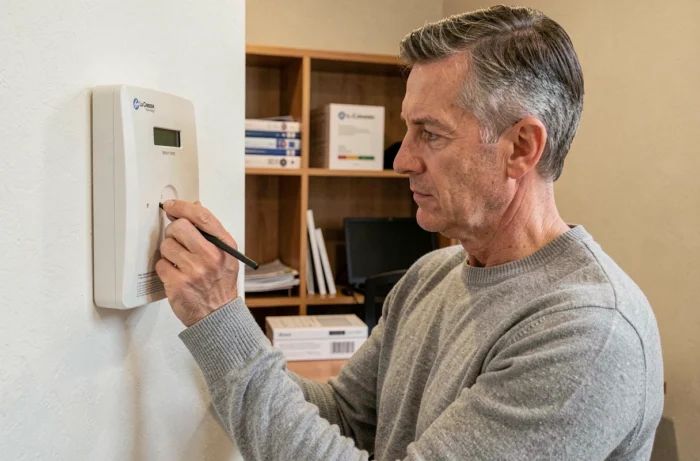
A La Crosse Technology weather station that displays dashes instead of outdoor temperatures, or whose time has shifted for no apparent reason, does not necessarily suffer from a hardware failure. The problem often arises from confusion between three distinct operations that users treat as a single action. A complete reset, sensor resynchronization, and MAX/MIN memory reset do not correct the same malfunctions, and performing them indiscriminately can worsen the situation.
Three different operations on a La Crosse Technology station
The term “reset” actually encompasses three technical gestures that do not affect the same parameters. Confusing them is like formatting a hard drive to solve a Wi-Fi issue.
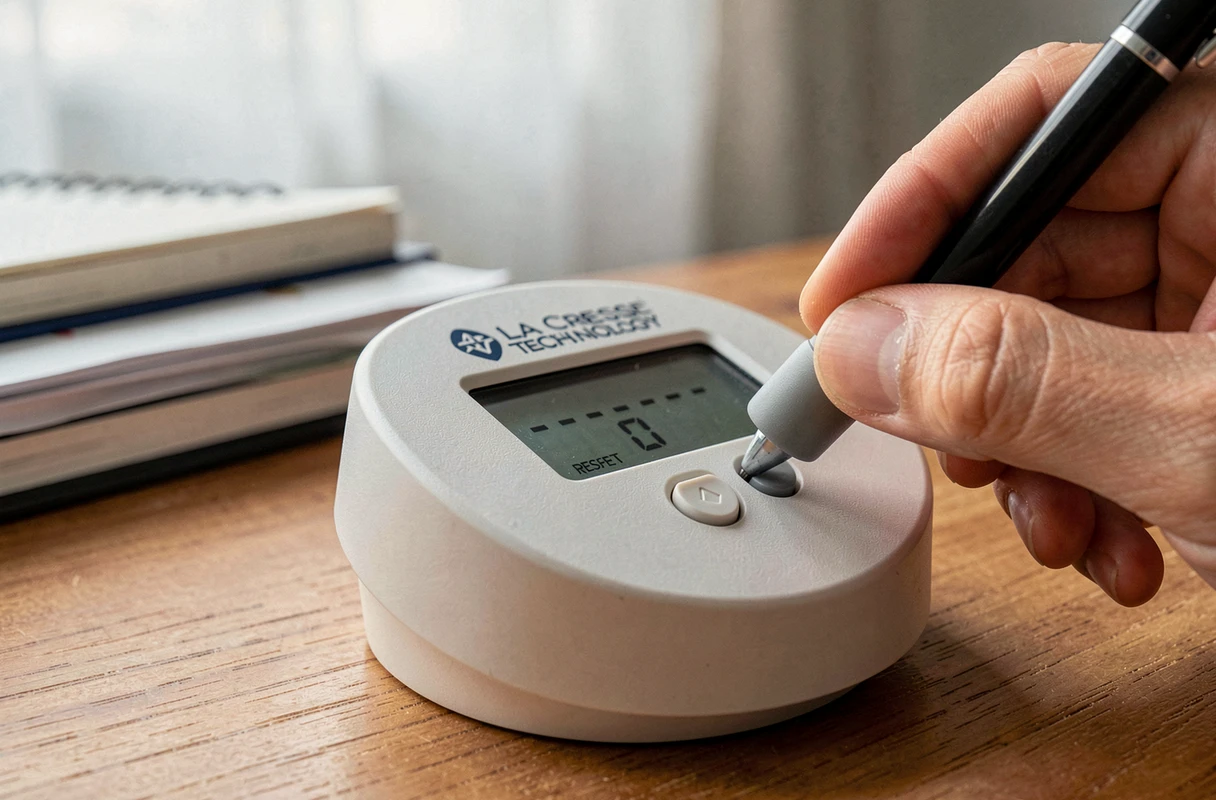
The complete reset erases all settings (time, time zone, units of measurement, sensor channel) and restores the station to its factory state. It is performed via the recessed button at the back of the device, accessible with a paperclip or a fine point. This operation is warranted when the screen is frozen, when the display shows inconsistent characters, or after a complete battery change on the base.
The sensor resynchronization does not affect the station’s settings. It only restarts the radio link between the indoor base and the outdoor transmitter. On most models, a long press on the CH button (about three seconds) triggers a radio search, indicated by the flashing RF icon on the screen. This action is sufficient when the station displays “–.-” for the outdoor temperature while the sensor is functioning correctly.
The MAX/MIN memory reset is even more targeted. On a model like the WS6204, a long press on the MEM button clears the recorded maximum and minimum values, without affecting either the radio connection or the base settings. These values are also automatically reset every day at midnight.
Before attempting anything, it is useful to know how to reset a La Crosse Technology weather station by precisely identifying which of these three operations corresponds to the encountered problem.

Complete reset of a La Crosse weather station: the procedure and its pitfalls
The complete reset is the last resort solution, not the first. Before initiating it, two checks often overlooked by competing guides deserve special attention.
Time zone and new batteries first
The La Crosse Technology support documentation explicitly recommends checking the time zone selector before restarting the device. An incorrectly set time zone causes a time shift that can be mistaken for a more serious malfunction. Additionally, using new batteries (and not just “not yet empty”) is crucial for the success of any reset.
Order of power-up
The most common mistake is to insert the batteries into the base before the outdoor sensor. The station begins its radio signal search in the first minutes after power-up. If the sensor is not yet transmitting at that moment, the base does not detect it, and the user concludes that the reset has failed.
The recommended sequence:
- Remove the batteries from both the base and the outdoor sensor simultaneously, then wait several minutes to discharge any residual capacitors
- First, insert the new batteries into the outdoor sensor and let it transmit for a few minutes
- Then, insert the batteries into the base, check the time zone, and select the correct channel with the CH button if the model has one
If the screen still displays dashes after this sequence, a long press on CH restarts the radio search without requiring a second complete reset.
Sensor resynchronization: when the radio signal no longer passes
The loss of signal between the outdoor sensor and the base is the most common problem with La Crosse Technology stations. Field reports vary on this point: some users resolve the issue by simply moving the sensor, while others must restart the pairing procedure several times.
The manufacturer’s documentation specifies that the base must be at least 2.5 meters away from sources of electromagnetic interference (TVs, computers, microwave ovens, refrigerators). Ferro-concrete walls, stucco, and anti-UV glass are identified as particularly problematic obstacles for radio transmission.
The stated range for models equipped with IT+ technology reaches about one hundred meters in open field. In practice, each exterior wall reduces this range by several meters, and each interior wall diminishes it further. A sensor installed in a garden shed behind two load-bearing walls may be out of range even at a modest distance.
The resynchronization itself is simple: select the channel corresponding to the sensor (CH button), then hold that button until the RF icon flashes. If the sensor does not respond after two attempts, the problem is environmental, not software-related.
MAX/MIN memories and recorded data on La Crosse station
Resetting the maximum and minimum values has nothing to do with resetting the station. This confusion leads some users to perform a complete reset when they simply want to erase an aberrant temperature spike recorded during a battery change.
On the WS6204 model, the MEM button allows navigation between recorded maxima and minima. A long press of about three seconds clears these values without changing the settings or interrupting the sensor reception. The recordings reset to zero and update automatically at midnight.
This distinction has a practical consequence: after a complete reset, the MAX/MIN memories are also cleared, requiring the entire station to be reconfigured for a problem that only required a long press on a single button.
Diagnostics before resetting: checks that prevent an unnecessary reset
Before resetting anything, three points deserve to be checked:
- The state of the outdoor sensor batteries, which discharge faster than those of the base due to exposure conditions (cold, humidity)
- The actual distance between the base and the sensor, taking into account the obstacles crossed by the radio signal
- The channel selected on the base, which must correspond to that of the sensor (a battery change can sometimes alter the default channel)
If these three elements are correct and the station still receives nothing, resynchronization by long pressing CH is the next logical step. A complete reset is only justified if the base itself no longer responds to commands or displays aberrant data across all its functions.
The most reliable approach remains to proceed by elimination: MAX/MIN memories first, then sensor resynchronization, and finally a complete reset as a last resort. Each step resolves a specific range of problems, and performing them out of order complicates diagnosis instead of simplifying it.