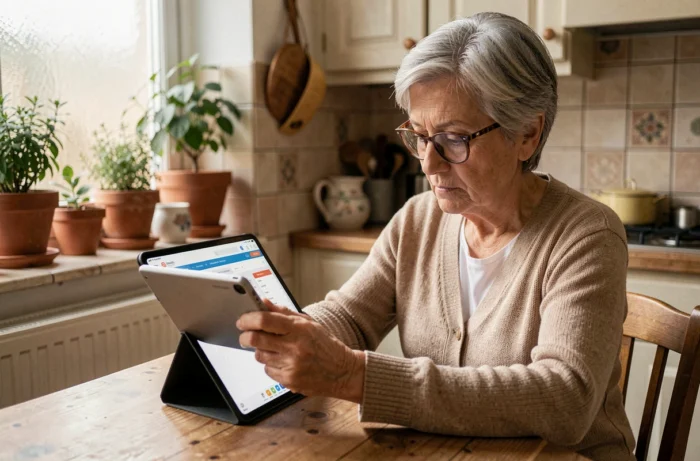
My Proxima is a consultation platform related to legal protection measures for adults. Family guardians looking to manage guardianship remotely often come across articles mentioning a “download” of the application. The technical reality is different: My Proxima operates from a web browser, without installation on a device. This feature changes how a guardian accesses the files, documents, and banking oversight of the protected person.
My Proxima and the web browser: no application to install
The majority of consumer digital tools go through a downloadable application on the App Store or Play Store. My Proxima does not follow this model. The platform operates entirely via a web browser, whether on a computer, tablet, or smartphone.
For a family guardian, this means there are no files to install, no updates to manage manually, and no storage space used on the device. Access is done by opening a web page and entering their credentials. This multi-device functionality allows for file consultation from any internet-connected device, without being tied to a fixed workstation.
For those who wish to download my My Proxima account, the process actually involves accessing the online portal, possibly by adding a shortcut to the phone’s home screen. This nuance is rarely clarified by the guides available online, which create confusion between “downloading” and “logging in.”

My Proxima login credentials: access conditioned by the representative
Unlike most digital services, My Proxima does not offer self-service account creation. The login credentials are provided by the judicial representative, the guardianship service, or the establishment officer in charge of the protection measure.
This point has direct consequences for a family guardian wishing to manage guardianship remotely. As long as the referring professional has not activated access and transmitted the credentials, the platform remains inaccessible. There is no “Create an account” button or registration form.
What this dependency implies on a daily basis
A family guardian newly appointed by the guardianship judge must wait for the representative service to configure their access. The timelines vary depending on the structures. Some guardianship services quickly provide the credentials, while others take several weeks.
If the credentials are lost or if the guardian changes their email address, the recovery procedure again goes through the representative. No self-reset is possible without the professional’s intervention. This architecture secures the data of the protected adult, but it creates an operational dependency that family guardians often discover afterward.
Dashboard and remote banking oversight: what My Proxima really allows
Once logged in, the guardian accesses a dashboard centralizing information related to the protection measure. The main functionalities revolve around three axes.
- Document tracking: consultation and storage of supporting documents, correspondence, judge’s decisions, and administrative documents related to the protected adult’s file.
- Banking oversight: visualization of accounts, financial movements, and expense receipts, allowing the guardian to verify the consistency between incurred expenses and associated documents.
- Measure information: reminders of deadlines, type of measure (guardianship, curatorship, judicial safeguard), and declarative obligations to the court.
All of this data is accessible from any device with a browser and an internet connection. A family guardian living far from the protected adult can monitor the financial and administrative situation without needing to travel or systematically contact the representative by phone.
Managing guardianship remotely without a dedicated application: limits and points of caution
Operating via a browser offers an accessibility advantage, but it also raises practical questions that online guides rarely address.
Notifications and real-time tracking
A native application installed on a phone can send push notifications to signal a deadline or a banking movement. A web portal accessed via a browser does not have this mechanism. The guardian must remember to log in regularly to check the status of the file. No automatic alerts will remind of a management account submission deadline, for example.
Creating a shortcut on a smartphone
To simulate the experience of an application, it is possible to add a shortcut to My Proxima on the phone’s home screen. On an iPhone, the process goes through the “Share” menu then “Add to Home Screen” in Safari. On Android, Chrome offers “Add to Home Screen” via the three-dot menu. The result visually resembles an application, but the functionality remains that of a web page.
Security of connections on shared devices
Managing guardianship involves access to sensitive banking and personal data. Logging in from a shared computer (library, family workstation) poses a risk if the session is not properly closed. A few precautions can reduce this risk:
- Use the browser’s private browsing mode to avoid automatic saving of credentials.
- Always log out after each consultation, rather than just closing the tab.
- Never save the password in the browser’s manager on a device not owned by the guardian.
The Proxima software, on the professional side, integrates encryption and data protection mechanisms. However, the security on the end-user side depends entirely on the guardian’s practices on their own device.
Managing guardianship remotely via My Proxima relies on a web portal accessible without download, but conditioned on credentials provided by the representative. This operation protects the data of the adult while imposing on the family guardian a dependency on the professional for activation and recovery of their access. Keeping this framework in mind avoids misunderstandings when taking control of the platform.