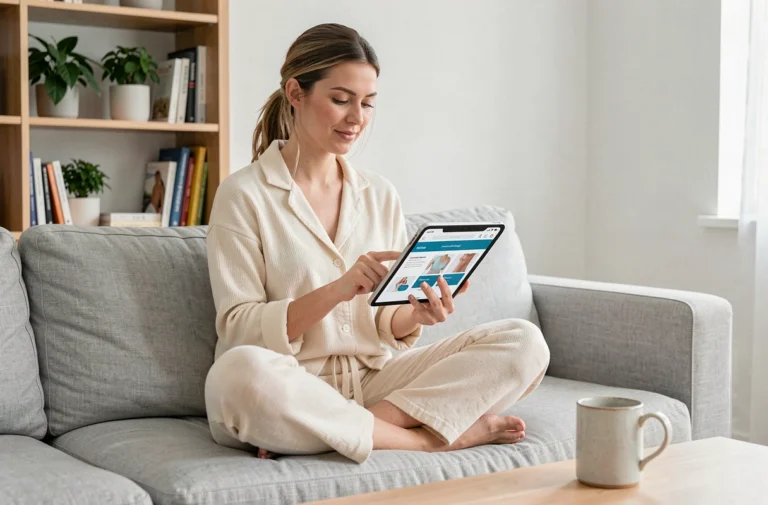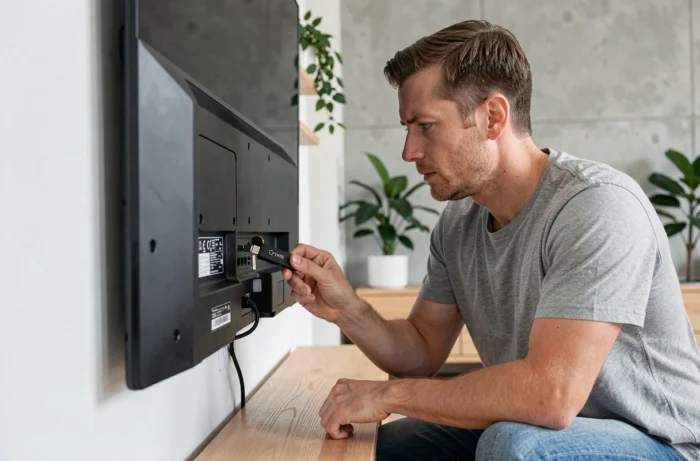
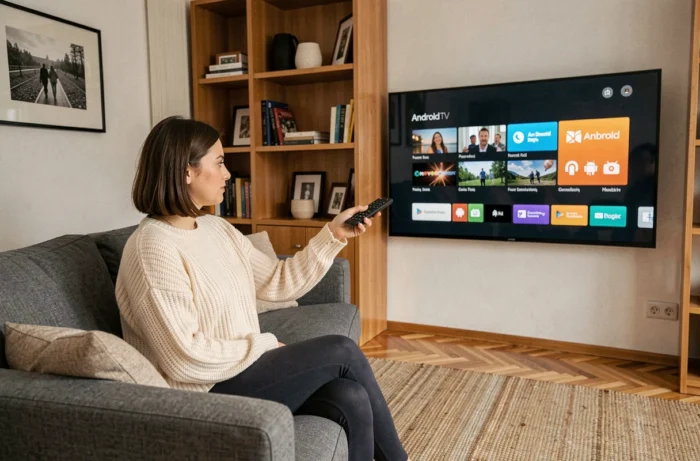
Most Smart TVs sold in recent years run on proprietary systems (Tizen for Samsung, webOS for LG) that limit access to the Android app catalog. An HDMI stick running Android TV or Google TV allows users to bypass this restriction by adding a complete environment to any TV equipped with an HDMI port. The principle is simple: the stick plugs in, connects to Wi-Fi, and the Android interface takes over from that of the TV.
Cyber Resilience Act: What the European Regulation Changes for HDMI Sticks
The Cyber Resilience Act (CRA), a European regulation published in the Official Journal of the EU, imposes new cybersecurity obligations on manufacturers of connected products, including dongles and streaming boxes. The first notification obligations will apply starting in 2026, and full compliance requirements will gradually come into effect.
For buyers of Android TV sticks, this means that devices sold in the European market will have to guarantee security updates for their entire declared lifespan. Generic dongles imported without software support, which are very common on marketplaces, may no longer be legally marketed in Europe in the long run.
This regulatory framework favors manufacturers that provide extended software support. Before purchasing a stick, checking the manufacturer’s update policy becomes as relevant a criterion as resolution or processor.
A Google TV certified device generally receives Android TV OS updates directly from Google, providing an additional layer of assurance. Those who wish to delve deeper into the process will find a guide for installing an Android TV stick detailing each step of the initial setup.
Google TV Streamer vs. Low-Cost Dongles: A Polarizing Market
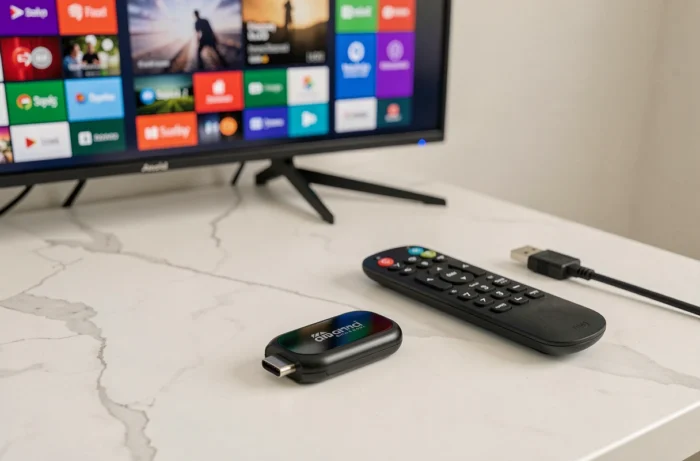
The market for Android TV sticks and boxes is divided into two very distinct segments. On one side, Google launched the Google TV Streamer (4K) at $99.99 in September 2024, featuring 32 GB of storage, 4 GB of RAM, an Ethernet port, and an integrated Thread router for home automation. This box succeeds the Chromecast and marks a repositioning towards the high-end.
On the other side, a multitude of generic HDMI dongles (Anycast, MiraScreen clones) continue to flood marketplaces at very low prices. These devices often rely on outdated versions of Android, lack Google Play Protect certification, and do not commit to updates.
What the Price Doesn’t Tell You
A low-priced stick may sometimes display the same apparent specifications as a certified model. The difference lies in three points that the product sheet does not highlight:
- Google certification (native access to the Play Store, integrated Chromecast, user profiles) is absent on clones, which blocks certain DRM-protected streaming applications.
- Support for Widevine L1, necessary for streaming Netflix or Disney+ in high definition, is missing on the majority of generic dongles, which are limited to L3 (SD quality).
- The frequency of security patches: a certified device receives monthly Android patches, while an unbranded dongle remains stuck on its factory version.
A stick without Google certification limits the video quality of streaming platforms. This point is rarely visible before purchase, as product sheets mention the maximum resolution of the chipset, not that allowed by VOD services.
Android TV OS 14 on Stick: Features and Compatible Devices
Android 14 for TV was announced by Google on May 15, 2024. Several streaming devices have received it or come equipped with it from the start. The Chromecast with Google TV (4K) and its HD version were updated to Android TV OS 14 starting in March 2025. The Google TV Streamer (4K) is the first Google streaming device to be delivered directly with this version.
Among third-party boxes, the MECOOL KM7 PLUS is one of the compatible models. User feedback varies on the smoothness of the update depending on regions and network configurations.
What Android TV OS 14 Brings
The update improves power management in standby mode, supports multiple user profiles, and enhances parental controls. For a stick connected to a family TV, the ability to switch between profiles with distinct recommendations changes the daily experience.
Support for the Matter protocol simplifies the control of connected devices from the TV screen. The Google TV Streamer natively integrates a Thread router, making it a home automation hub in addition to a media player. Older sticks, even updated to Android 14, do not have this radio chip.
Privacy and Data Collection on Connected TVs
Adding an Android TV stick to a TV introduces a software layer that collects usage data. Google personalizes recommendations based on viewing history, voice searches, and installed applications. Privacy settings are accessible in the stick’s settings, but the default options enable most data collection.
On a TV running a proprietary system, data collection already exists (Tizen and webOS transmit viewing data to Samsung and LG respectively). Adding a stick does not eliminate the TV’s telemetry; it overlays Google’s telemetry. Disabling personalized recommendations and limiting permissions for installed applications reduces exposure, but does not completely eliminate it.
The available data does not allow for precise quantification of the volume of data transmitted by each layer. Privacy settings deserve a manual check after each major system update.
Transforming a Smart TV into an Android TV via a stick remains the most accessible method to access the Google Play catalog on an existing TV. The choice of stick determines the actual video quality, software longevity, and security level. With the gradual implementation of the Cyber Resilience Act, devices without guaranteed software support will lose their place in the European market, which should clarify the offering in the coming years.